
More AI Image Generators
Explore our collection of specialized AI image generators designed for different creative needs and styles





AI Enhancer — Instantly Upscale & Sharpen Any Photo to HD Quality Online Free
Transform Blurry, Low-Resolution Images into Crystal-Clear HD Photos with One Click — No Skills Needed
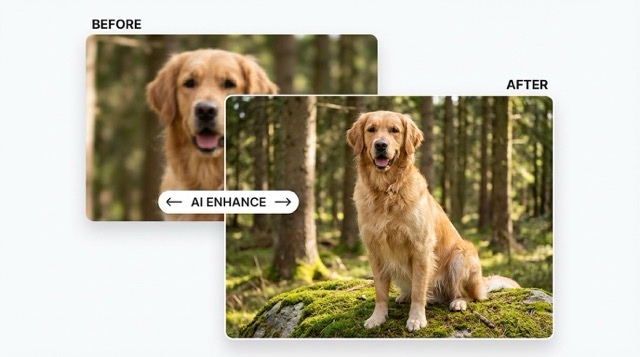
Every photo deserves to look its absolute best. The AI Enhancer is an intelligent, browser-based tool that elevates your image quality in seconds. Simply upload any photo — whether it is a blurry phone snapshot, a compressed web image, or a faded old print — and watch our deep-learning engine analyze each pixel, restore lost detail, eliminate noise, and amplify resolution. No complicated software, no steep learning curve, and no design experience required. From product photography to treasured family memories, AI Enhancer delivers professional-grade results that are ready to share, print, or publish.
What Makes AI Enhancer the Smart Choice?
AI Enhancer unites advanced noise reduction, intelligent sharpening, automatic color correction, and powerful resolution upscaling into one seamless experience — delivering studio-level quality without the studio.
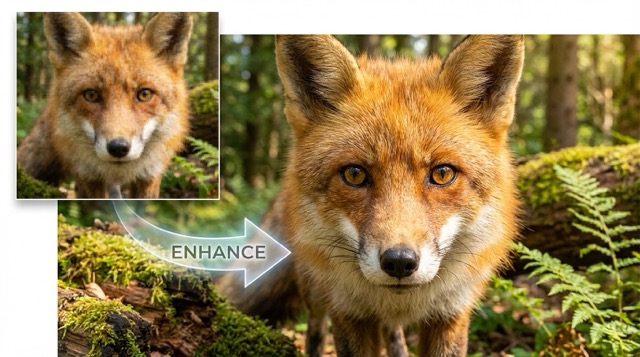
Smart Enhancement in a Single Click
- Drop your photo into the AI Enhancer and let intelligent algorithms handle everything.
- The tool instantly identifies blur, grain, low contrast, and color imbalance — then corrects them all at once.
- No sliders to tweak, no presets to choose. One upload, one click, one stunning result.
- Whether you are a seasoned photographer or a complete beginner, the output speaks for itself.
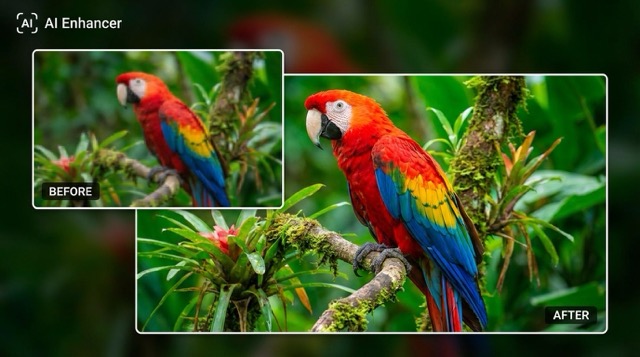
Upscale Resolution While Preserving Every Detail
- Boost your image resolution up to 4× without the usual pixelation or softness.
- The AI Image Enhancer reconstructs textures, edges, and fine details that traditional upscaling methods destroy.
- Convert small thumbnails into print-ready, high-definition visuals.
- Perfect for enlarging portraits, product images, or social media graphics that demand crisp clarity.
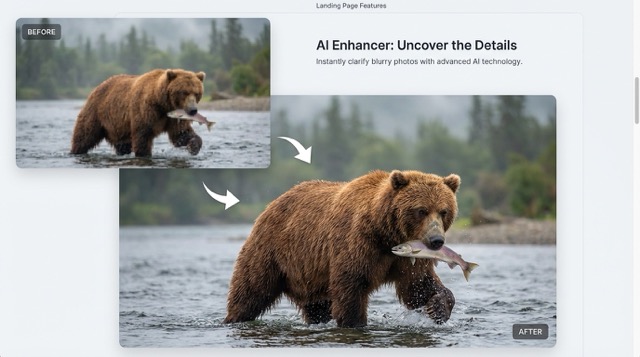
Eliminate Noise, Blur & Color Problems Automatically
- Our AI pinpoints the exact flaws in your image — motion blur, digital grain, dull tones — and resolves each one.
- Denoise even heavily compressed images without washing out textures or fine structures.
- Brighten dark, underexposed shots and restore natural color vibrancy in a single pass.
- Ideal for salvaging low-light photos, scanned prints, and images downloaded from messaging apps.
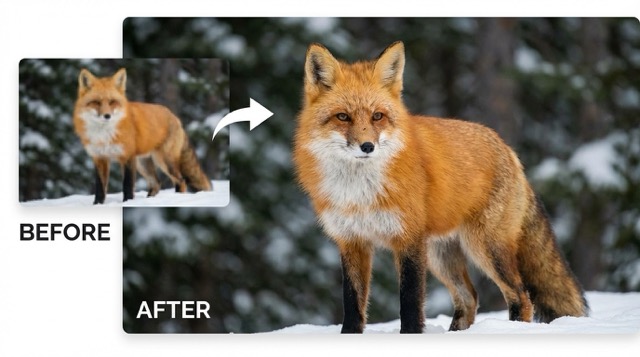
100% Browser-Based — Zero Installation Required
- Use the Photo Enhancer on any device — desktop, laptop, tablet, or smartphone — through your web browser.
- No downloads, no plug-ins, and no account creation needed to get started.
- Images are processed securely in the cloud and available for instant download.
- The entire workflow — upload, enhance, download — takes less than sixty seconds.
Best AI Image Tools for Creative Projects
Explore creative tools for image, learn tips and tricks, and see how AI can be your assistant in turning concepts into finished projects.




Enhance Image Quality in 3 Effortless Steps
AI Enhancer keeps photo improvement simple: upload any image, let powerful AI sharpen and upscale it, then download your polished HD result — all within seconds, entirely in your browser.
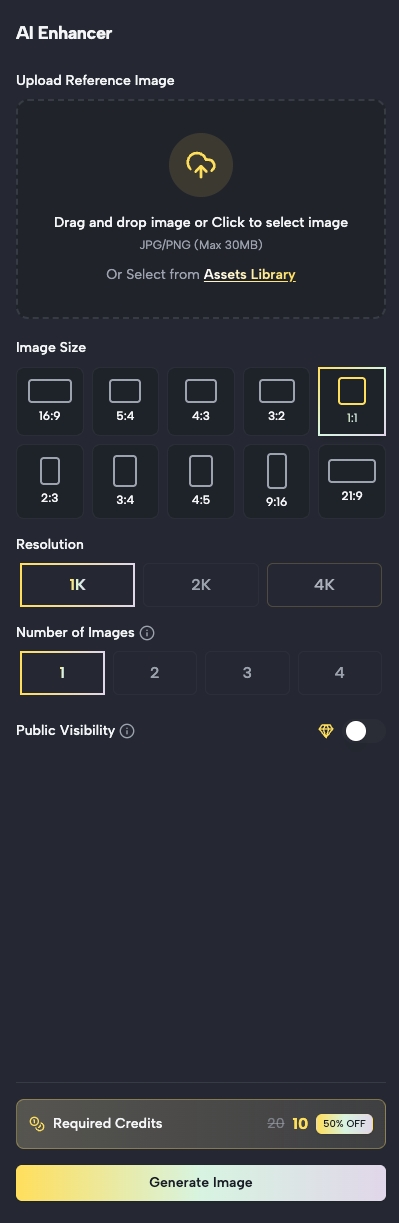
Upload Your Image
Begin with any photo that needs a quality boost
Click the upload button or drag your image directly into the editor panel. Accepted formats include JPG, JPEG, PNG, and WEBP. The AI Enhancer handles photos of any quality — from heavily compressed screenshots to slightly out-of-focus snapshots. Tip: For optimal results, upload the highest resolution version of your image available.
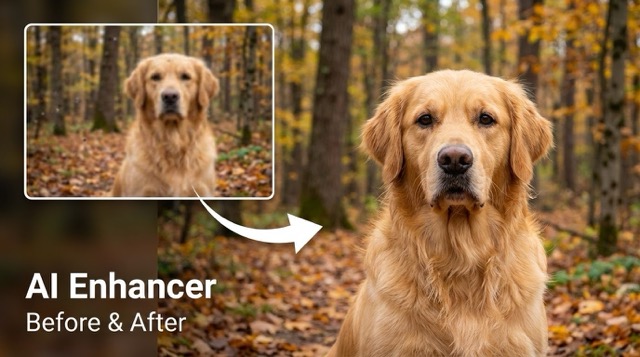
Who Benefits from AI Enhancer? Top Use Cases
From reviving faded memories to perfecting product photography and social content, AI Enhancer delivers HD-quality results for photographers, marketers, online sellers, and anyone seeking sharper, more vibrant images.

Revive Old & Faded Photographs
Turn back time on cherished memories. AI Enhancer breathes new life into scanned prints, vintage snapshots, and faded family albums by reducing grain, recovering hidden details, and restoring natural colors — so every precious moment looks as vivid as the day it was captured.

E-commerce & Product Listings
High-quality images sell. Use the AI Image Enhancer to polish product photos with sharper textures, balanced lighting, and boosted resolution — giving your Amazon, Shopify, or Etsy listings a professional edge without the cost of a dedicated retouching team.

Social Media & Content Marketing
Cut through the noise in crowded feeds. Enhance every photo before posting to Instagram, Facebook, LinkedIn, or TikTok. AI Enhancer ensures your visuals are sharp, vibrant, and scroll-stopping on any screen size, driving higher engagement and stronger brand presence.

Real Estate & Architecture Photography
Make every property listing stand out. AI Enhancer corrects uneven lighting, sharpens interior details, and enriches color depth — transforming average smartphone photos of rooms and exteriors into polished, magazine-worthy images that attract more inquiries.

Print, Poster & Large-Format Design
Need images that stay razor-sharp at any scale? AI Enhancer upscales resolution so your photos remain crisp on banners, posters, and printed materials — eliminating pixelation and delivering clean, detailed output ready for professional production.

Portrait, Headshot & Selfie Refinement
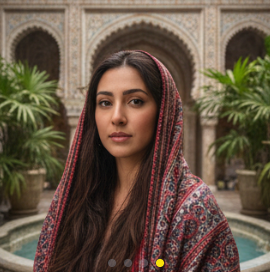
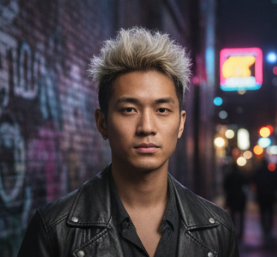
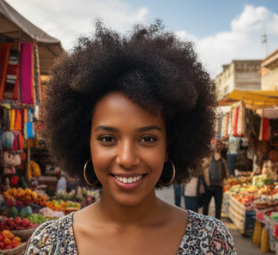
Elevate every face in the frame. The Photo Enhancer sharpens facial features, smooths noise from low-light environments, and brings out natural skin tones with remarkable accuracy — ideal for professional headshots, dating profiles, and personal keepsakes.
Loved by Creators, Professionals & Everyday Users
Thousands of photographers, marketers, business owners, and hobbyists trust AI Enhancer to turn ordinary photos into polished, high-definition images — quickly and effortlessly.
I had a box of old family photos that were yellowed and blurry after decades. AI Enhancer pulled out details I never thought were recoverable — faces look clear, colors are restored, and the sharpness is remarkable. It truly felt like rediscovering those moments.
Our team uploads hundreds of product images each week. Since switching to this AI Image Enhancer, we have cut manual retouching time by more than half. Sharpening, color correction, and noise removal happen automatically — and the consistency across our catalog is outstanding.
I am not a professional editor, but my blog photos now look like they were shot on high-end gear. I just upload, click enhance, and download — the whole process takes seconds. AI Enhancer has genuinely changed the way I create content.
Listing photos can make or break a sale, and not every property is shot with perfect lighting. AI Enhancer fixes brightness, sharpens textures, and makes rooms look inviting and professional. It has become an essential part of our workflow.

AI Enhancer FAQ — Common Questions Answered
Get clear answers about how AI Enhancer works, supported formats, privacy safeguards, and tips for achieving the best possible image enhancement results.
AI Enhancer is a browser-based tool powered by deep-learning models trained on millions of high-quality images. When you upload a photo, the AI scans it pixel by pixel — detecting blur, noise, low contrast, and color imbalances — then applies intelligent corrections to sharpen details, reduce grain, restore textures, and upscale resolution, all automatically in one click.
AI Enhancer currently supports JPG, JPEG, PNG, and WEBP formats. For the strongest results, we recommend uploading the highest quality version of your image you have available. Even heavily compressed or low-resolution files will see a noticeable improvement after enhancement.
Not at all. The AI is engineered to enhance without introducing artifacts or distortion. It restores lost detail, reduces noise, and refines edges while keeping the final output true to the original scene — colors stay natural, textures stay authentic.
Most photos are processed and ready to download within a few seconds. Larger files or complex enhancements may take slightly longer. Free users may experience short queues during peak hours, while premium plan holders enjoy priority processing for near-instant results.
Yes. AI Enhancer can increase your image resolution by up to 4× while intelligently preserving sharpness, texture, and edge detail. This makes it an excellent choice for preparing images for print, large displays, or any scenario where higher pixel density matters.
No installation is needed. AI Enhancer runs entirely in your web browser on any device — desktop, tablet, or mobile. There are no plug-ins to configure and no account required for basic usage. Simply open the page, upload your photo, and enhance.
Absolutely. AI Enhancer excels at refining portraits, headshots, and selfies. It sharpens facial features, reduces grain from low-light shooting conditions, and enhances natural skin tones without over-smoothing or creating an artificial look.
Your privacy is a priority. Uploaded images are processed securely in the cloud and are never stored, shared, or used for any purpose beyond generating your enhanced result. We advise against uploading highly sensitive or confidential content as a general best practice.
Upgrade Every Photo with AI Enhancer — Try It Free
Tired of blurry, noisy, or low-resolution images? Upload any photo and let AI Enhancer sharpen every detail, boost color vibrancy, and upscale quality to HD — all online, all free, all in seconds. Discover what one click can do for your pictures.
